Display-first hardware
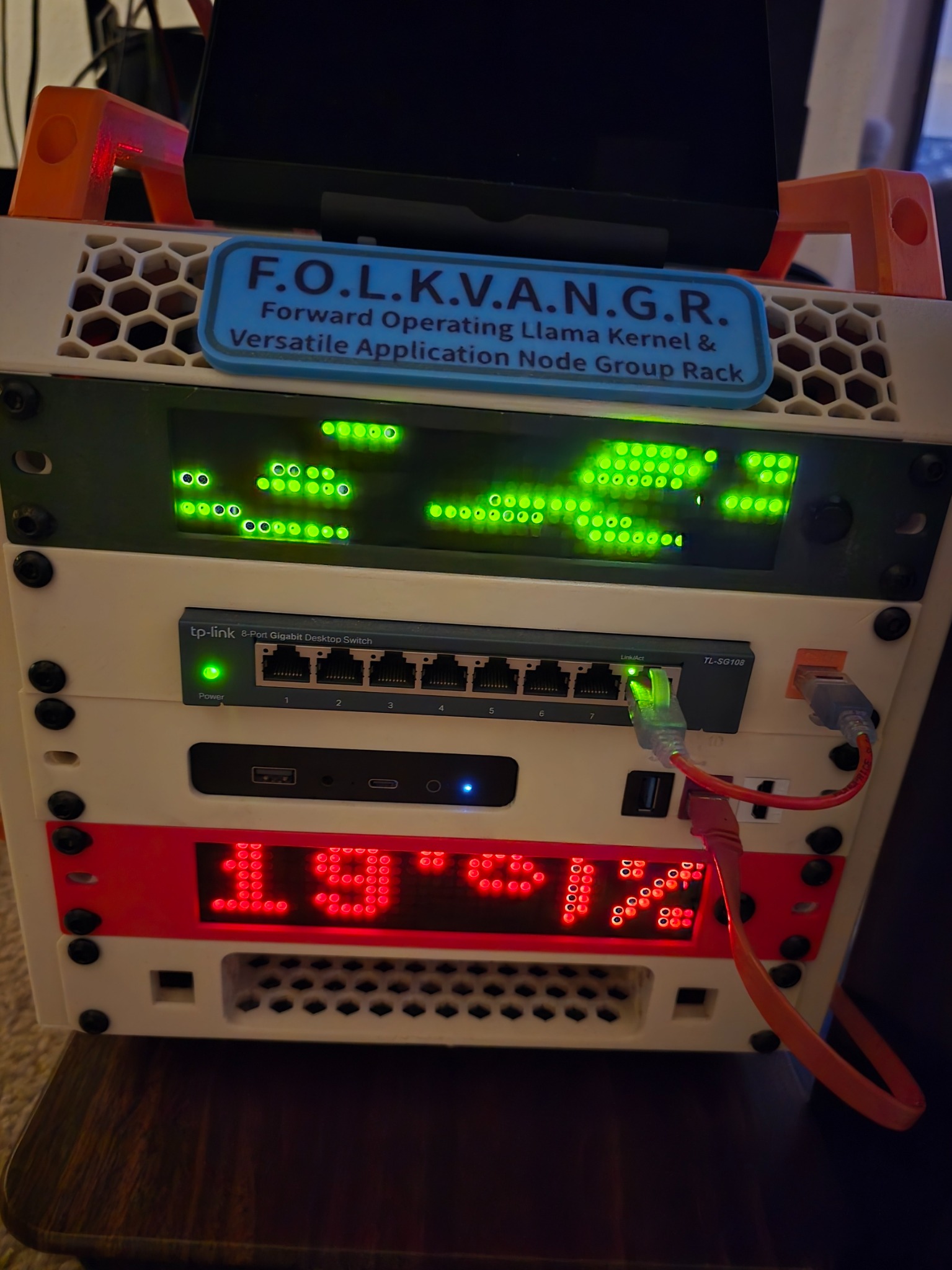
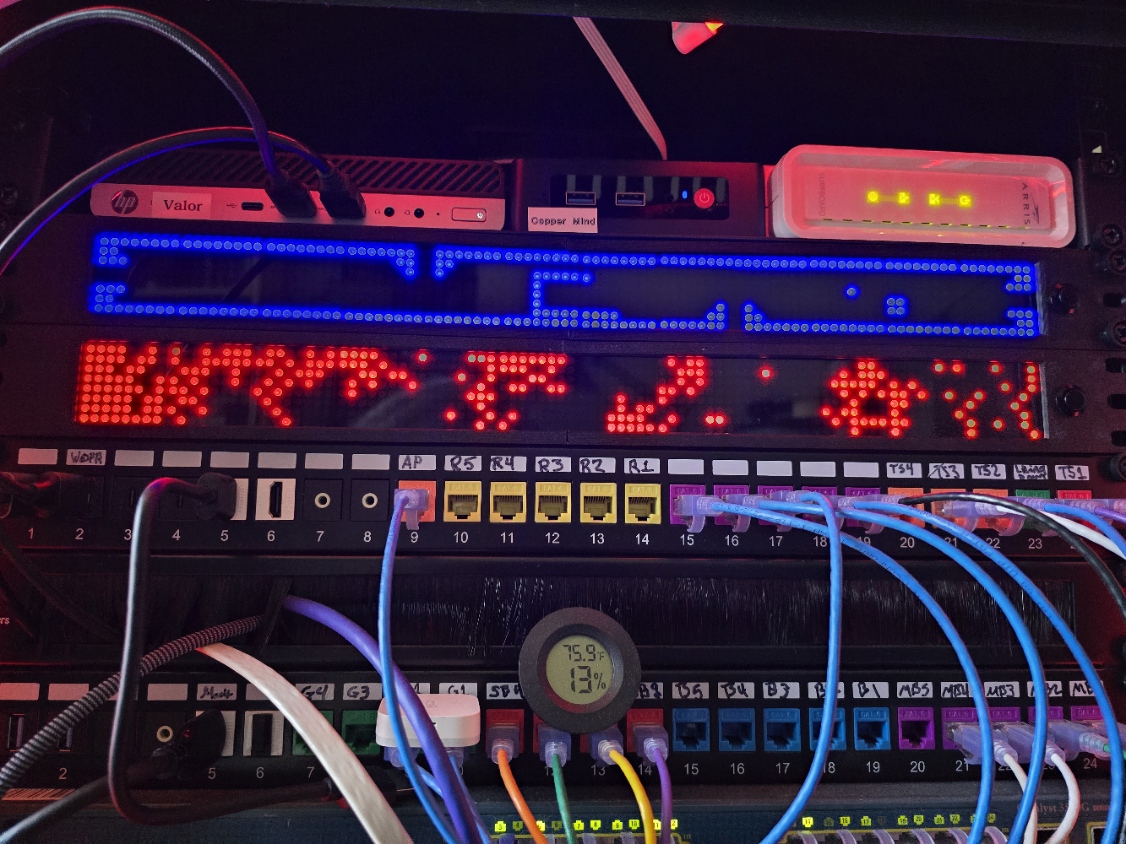
Rack-ready LED matrix bar built around chained MAX7219 modules with wide-format 1U presentation in 10-inch and 19-inch styles.

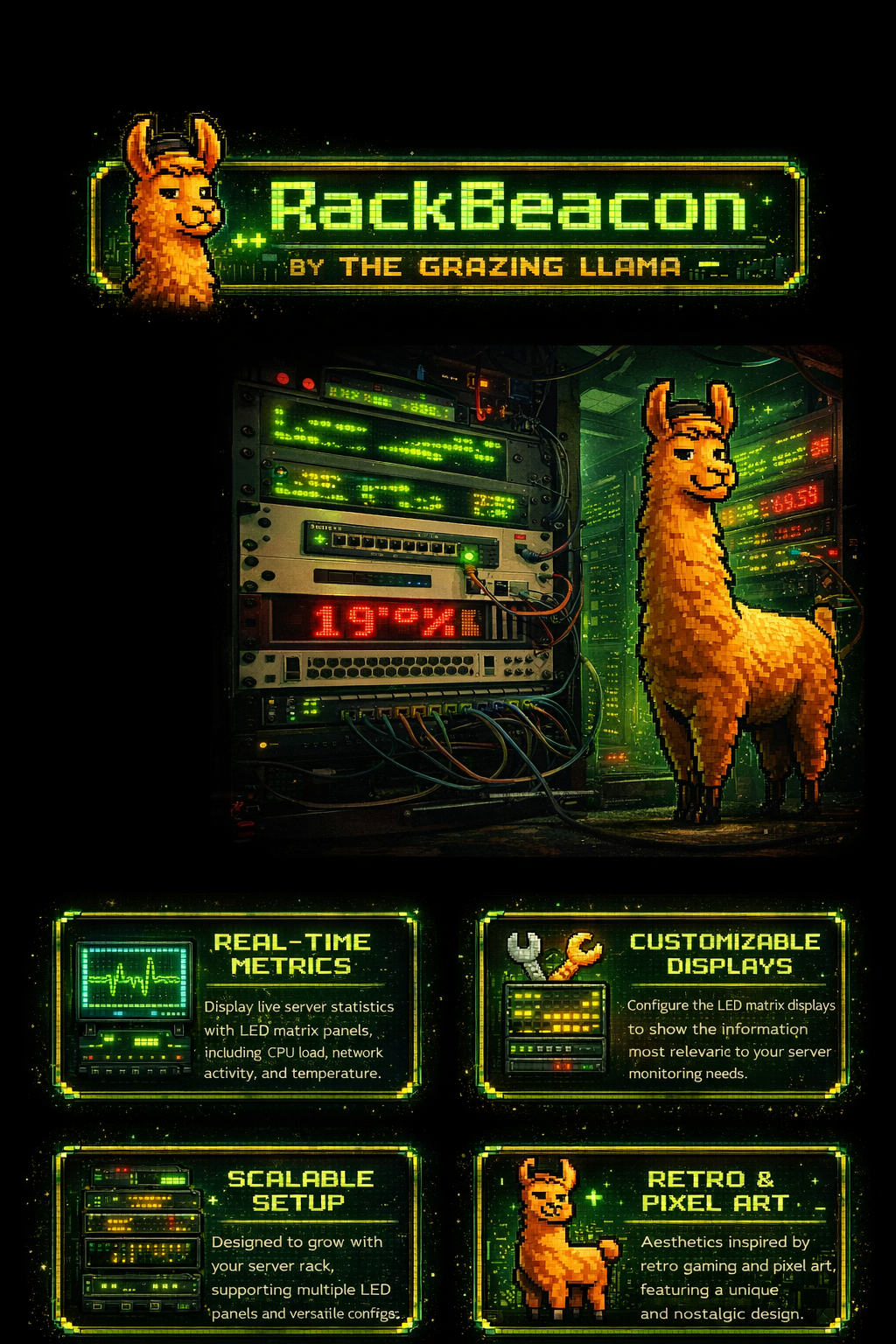
RackBeacon is a 1U LED matrix bar for homelabs, desks, and network racks. It blends retro pixel style with practical live information like clock, weather, MQTT control, and purpose-built homelab views for stats and status.
Built under
A maker-first brand focused on homelab-friendly hardware, practical display tools, and pixel-heavy charm.
RackBeacon is not just an animation bar. It is designed to be controllable, configurable, and useful in an actual homelab environment.
Rack-ready LED matrix bar built around chained MAX7219 modules with wide-format 1U presentation in 10-inch and 19-inch styles.
Over 50 built-in scenes ranging from Matrix rain and plasma to clock, weather, stock ticker, and homelab-focused layouts.
Adjust brightness, power, mode order, parameters, scheduler rules, Wi-Fi, MQTT, and more from a web UI once online.
Wi-Fi and BLE can stay off by default until you enable them, with setup portal support for first-time onboarding.
Show compact numeric cards for CPU, memory, disk, temperatures, or rotate through issue states like WAN down or UPS on battery.
MQTT topics support remote control, status publishing, and live payloads for telemetry-focused effects.
“From ambient pixel art to useful live rack signals, RackBeacon aims to be the bar that earns its spot in the front of the rack.”
Concept positioning copy for launch-ready storytelling.
Under the hood, the platform centers on a Raspberry Pi Pico 2 W and chained LED matrices, with optional buttons, scheduling, OTA support, and a control layer that keeps the device approachable.
RackBeacon includes two standout data-driven experiences: one for rolling stats and one for actionable issue status.
Compact cards for values like CPU, memory, disk, UPS, network, and temperature. Ideal when you want readable at-a-glance numbers with optional severity cues.
Summary and issue drilldown mode for outages or degraded conditions like WAN down, UPS on battery, NAS degraded, or other critical states.
Publish to topics for power, mode, text, brightness, auto-cycle, and mode-specific data payloads to fit into your existing automation stack.
Some of the built-in personalities include RAIN, GLITCHFIELD, AQUARIUM, LLAMA, WEATHER, CLOCK, FIRE, STOCK_TICKER, HOMELAB_STATS, and HOMELAB_STATUS.
No. The visual side is a major part of the appeal, but the project also supports clock, weather, MQTT control, scheduling, status pages, and compact telemetry views.
No. MQTT is optional. The device can still work through its local web UI and onboard controls.
Homelab builders, makers, network nerds, rack enthusiasts, and anyone who wants their gear to look more alive.
Yes. Modes, order, brightness, text, scheduling, network settings, telemetry feeds, and per-mode parameters are all part of the platform direction.
This placeholder site is ready for an email form, Etsy link, or future storefront button whenever you are.